Discover, purchase, and engage with Christian books, audiobooks, and videos in one seamless platform.
Loveworld Book Reader is a faith-based digital reading platform designed to simplify access to Christian content across formats — ebooks, audiobooks, and videos. The app functions as a Christian bookstore + personal library + media player.
Faith-based readers often face a fragmented digital experience. Ebooks, audiobooks, and videos are spread across multiple platforms, making it inconvenient for users to discover, purchase, and consume Christian content in one place.
For global audiences, particularly in regions with limited internet access, the lack of reliable offline reading/listening options becomes a barrier to engagement. Many existing apps are either too generic (not focused on Christian literature) or too narrow (supporting only one format like ebooks), leaving users dissatisfied.
Additionally, publishers needed a platform that not only provided a storefront for sales but also created a personalized library experience, encouraging users to return, explore, and stay connected with the Word.
The Loveworld Book Reader app set out to:
Designing the Loveworld Book Reader required balancing three key areas: content discovery, seamless purchase flow, and distraction-free consumption. Below are the major UX decisions that shaped the product:
Why: A faith-based app attracts a global audience; ensuring both ease of access and security was essential.
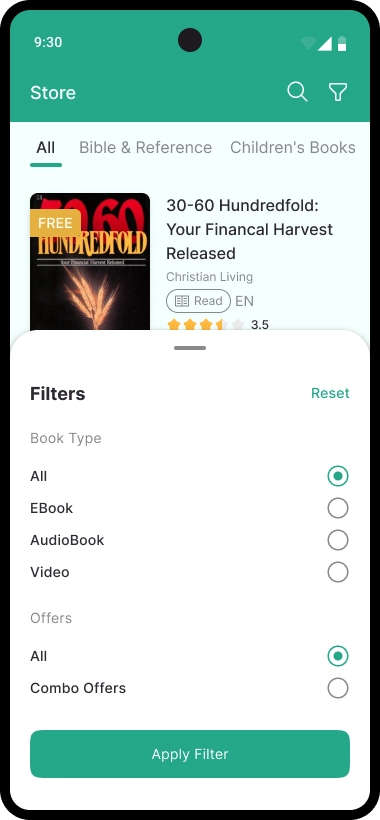
Why: Facilitates easy content exploration, helping users navigate huge catalog titles efficiently.
Why: A frictionless checkout process reduces abandonment and keeps users focused on content, not transactions.
Why: Users expect order and control in their personal library, especially with multiple content formats.
Why: Each format has unique user needs; designing tailored players improves focus and usability.
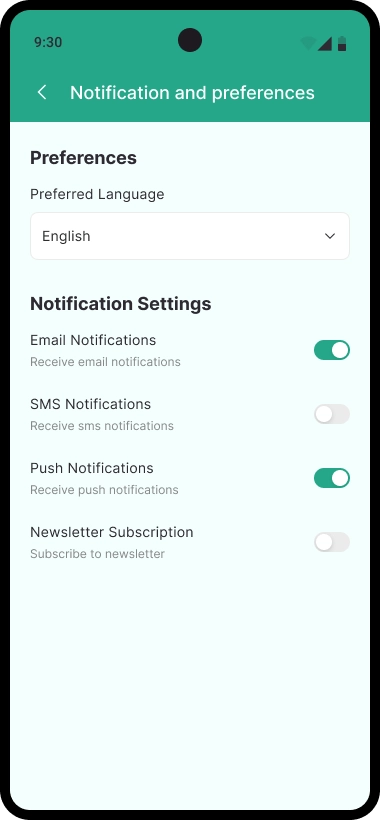
Why: A global audience requires personalization to feel connected and in control of their app experience.
The final design for Loveworld focused on clarity, structure, and efficiency. Here are the key flows and representative screens:
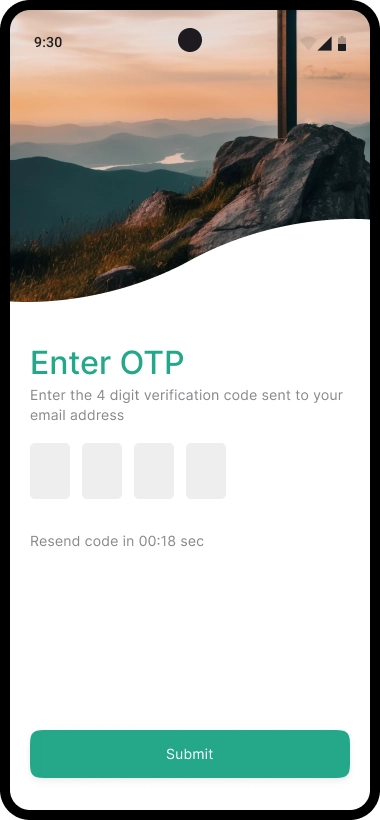
Clear inputs and call-to-action buttons improve accessibility. OTP adds trust, while social login ensures a fast entry point.
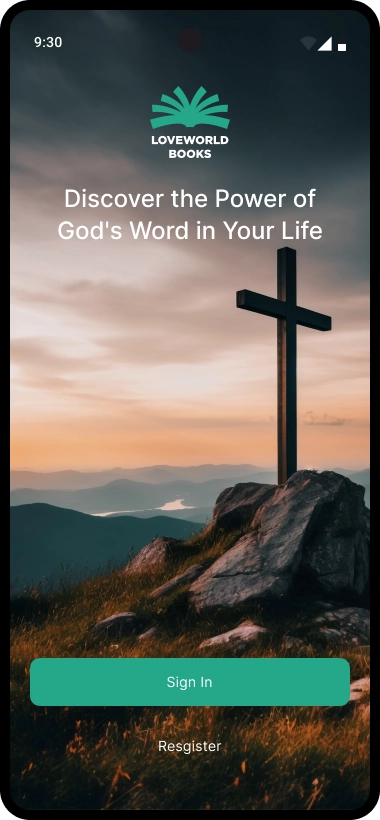
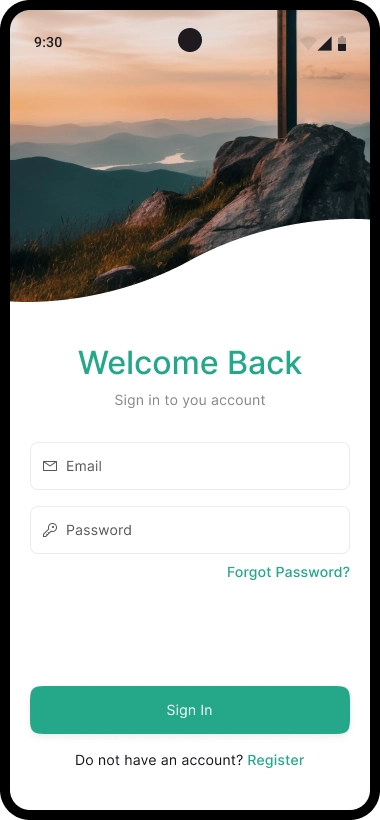
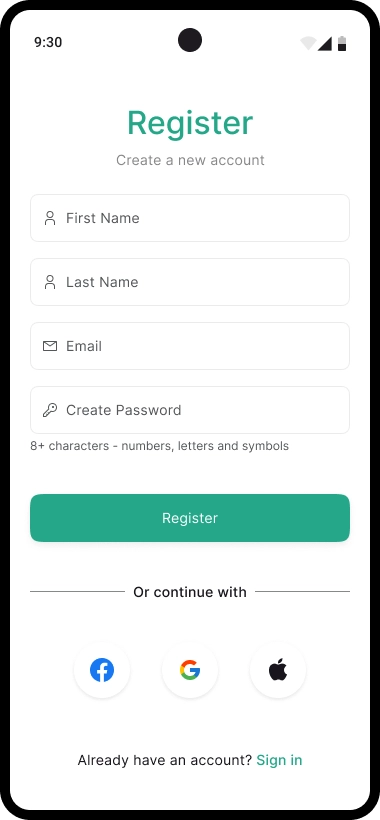
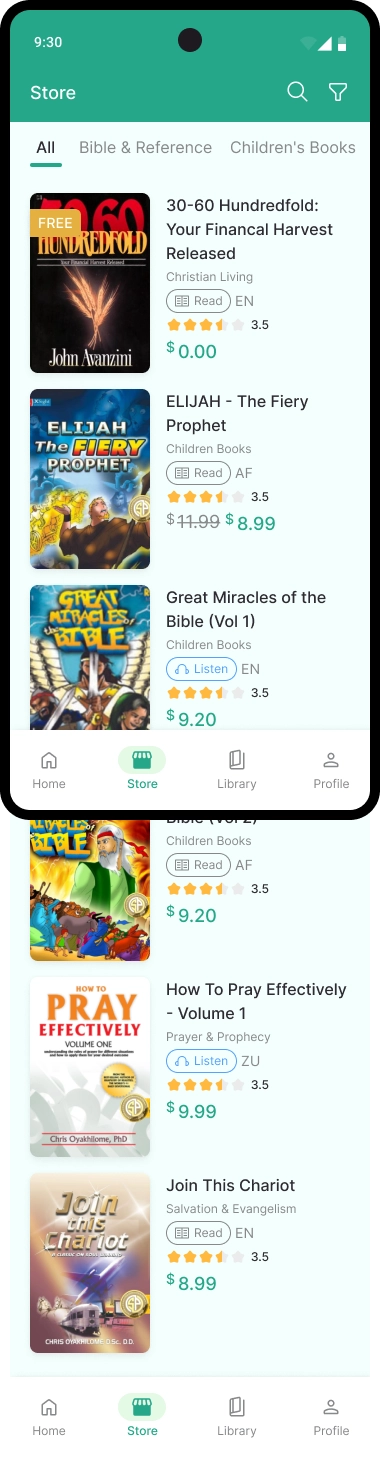
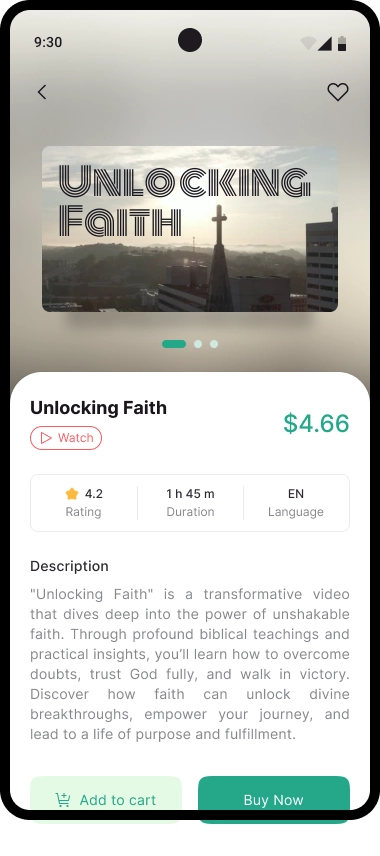
Prominent banners highlight promotions and new content. Categories make discovery easier, while book detail pages provide pricing, ratings, and format options.
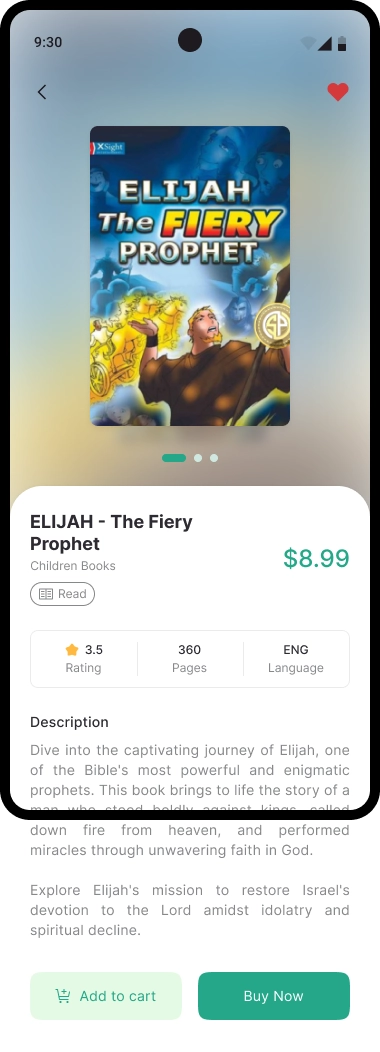
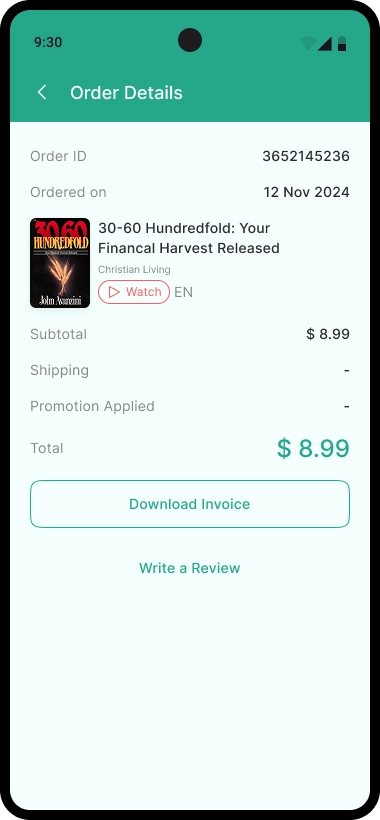
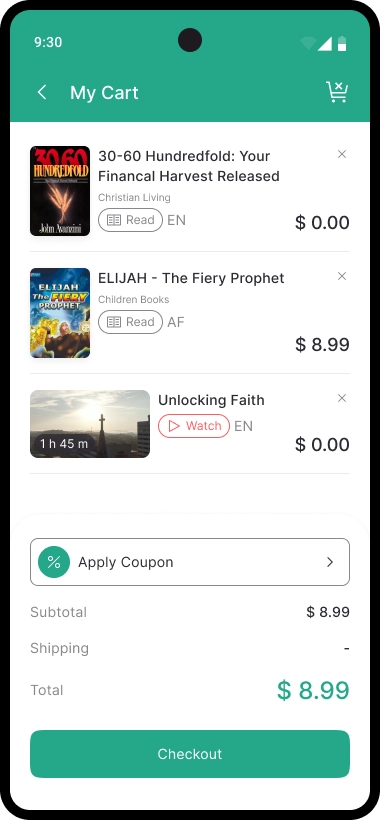
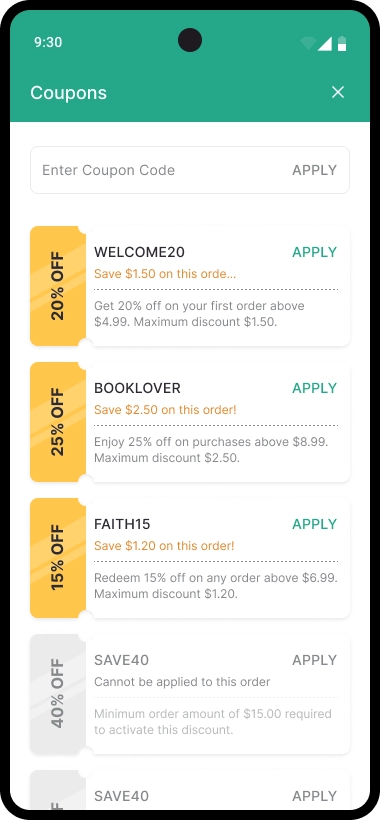
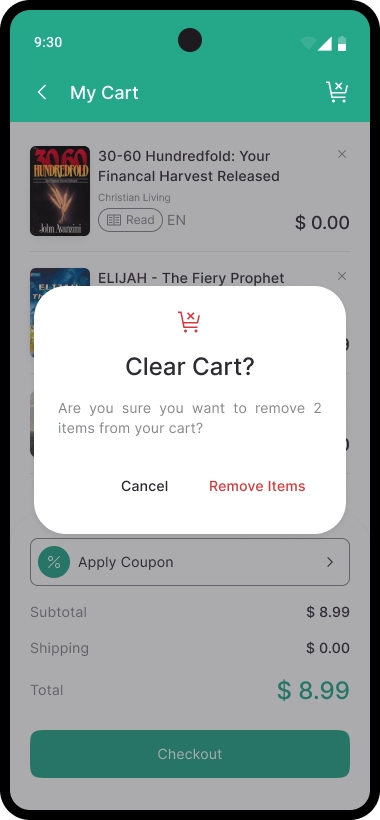
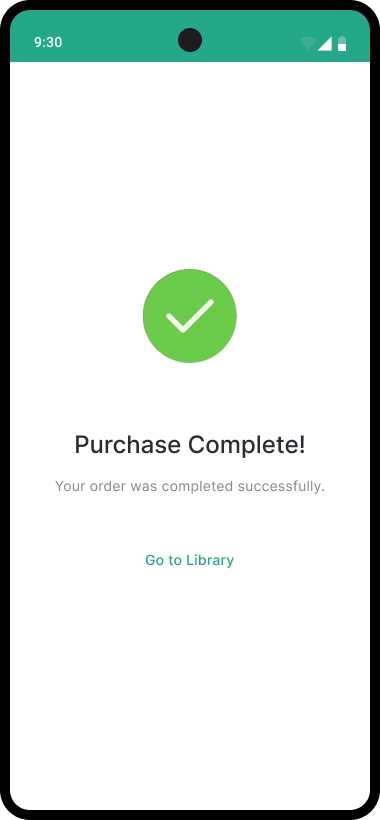
Coupon codes and promotions encourage engagement. A streamlined checkout ensures fewer drop-offs, and the “Go to Library” CTA provides instant continuity.
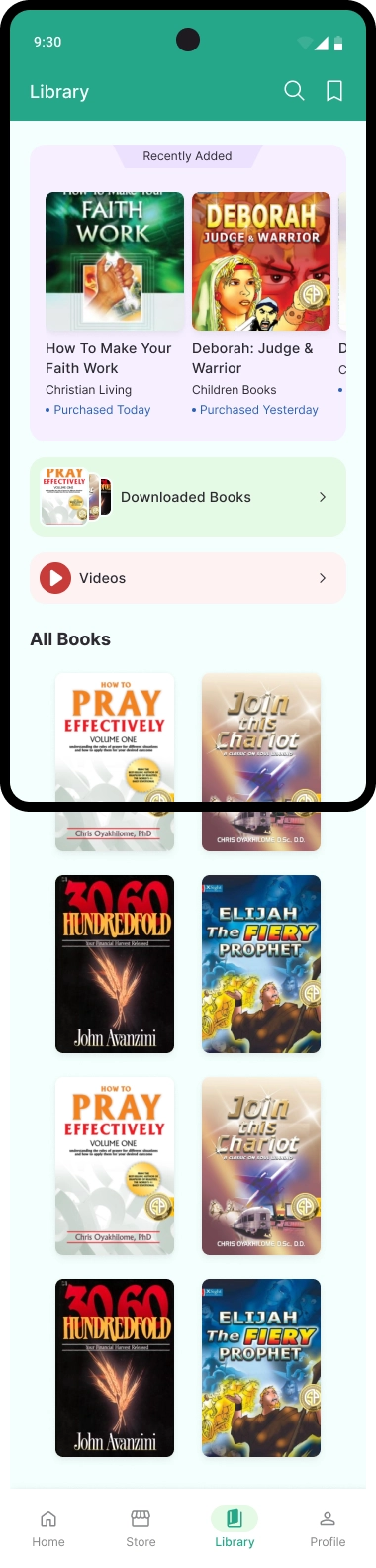
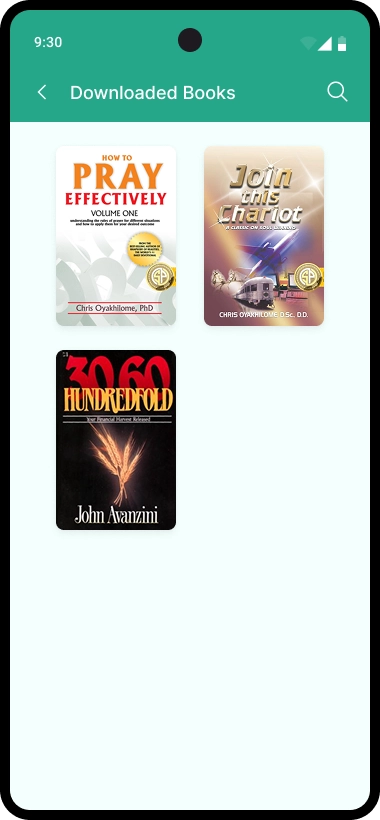
Library is segmented for clarity. Offline download states give users full control, and content badges (Read / Listen / Watch) reduce confusion.
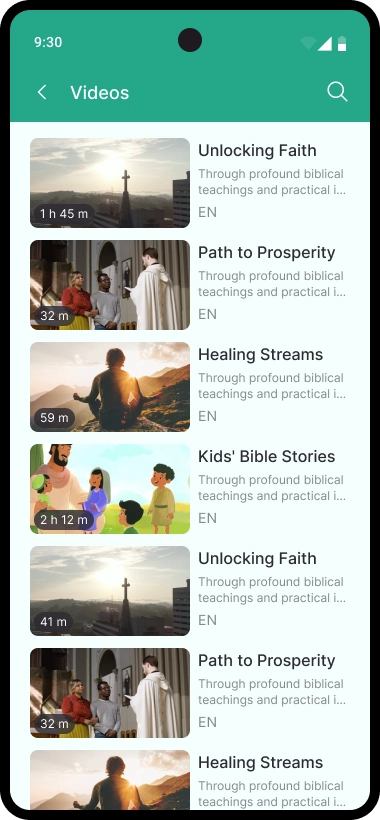
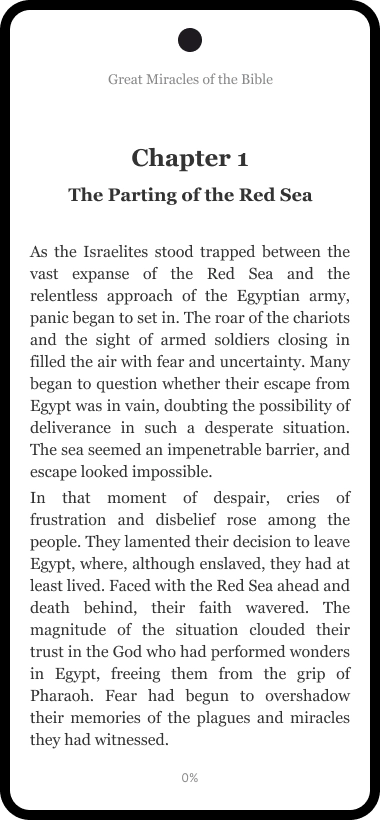
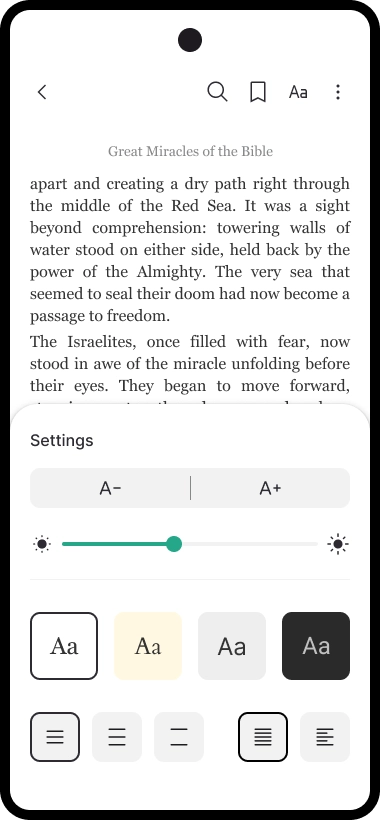
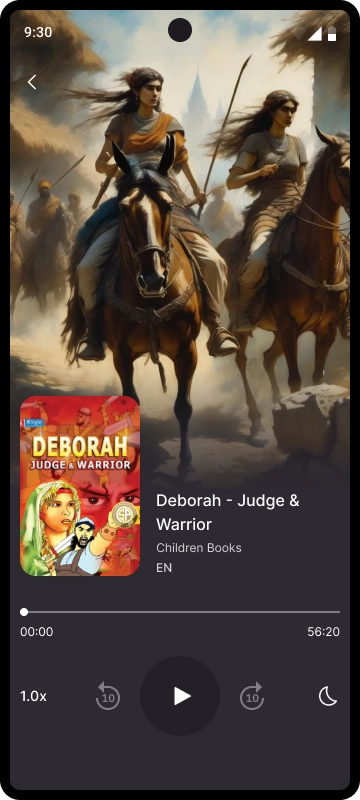
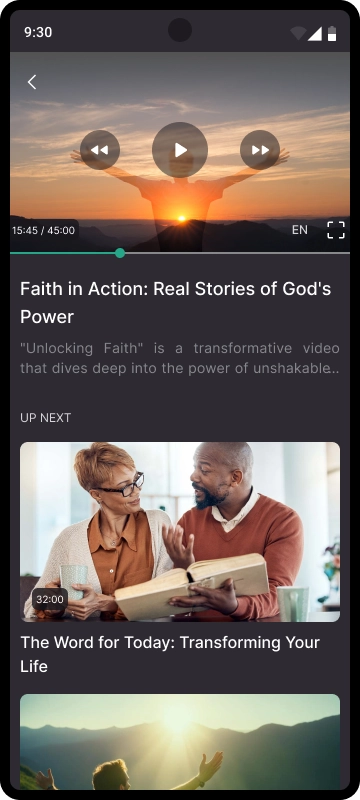
Each player was tailored: adjustable fonts for readers, speed & sleep timer for audiobooks, and “Up Next” recommendations for videos. This ensures each format feels natural to use.
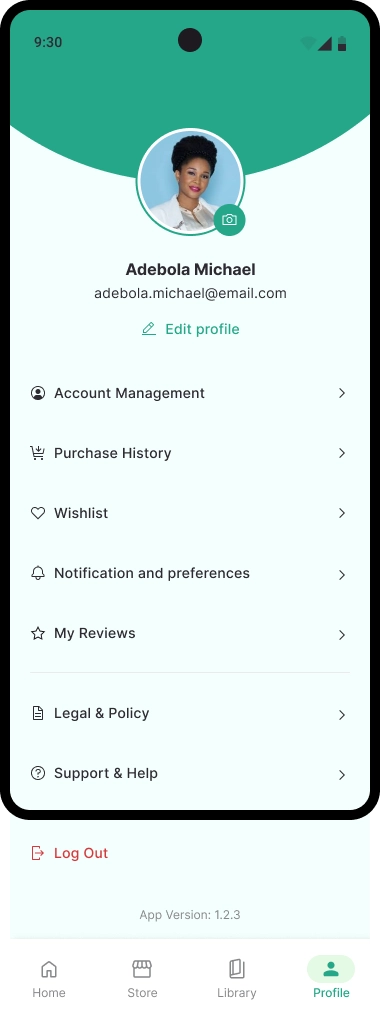
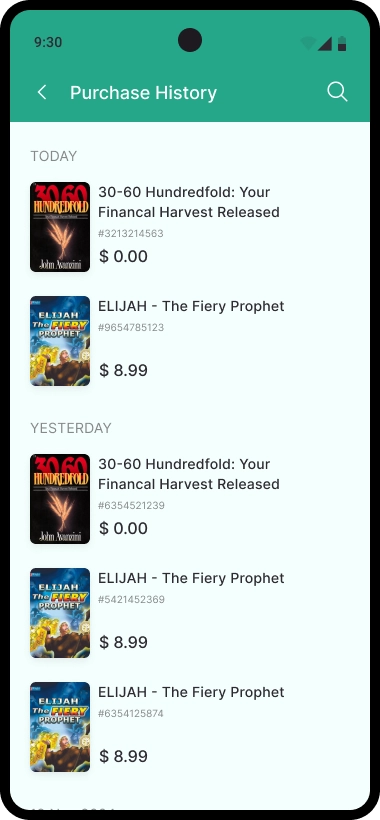
Centralized profile features allow users to manage their entire journey—wishlist, history, notifications, and support—all in one place.